

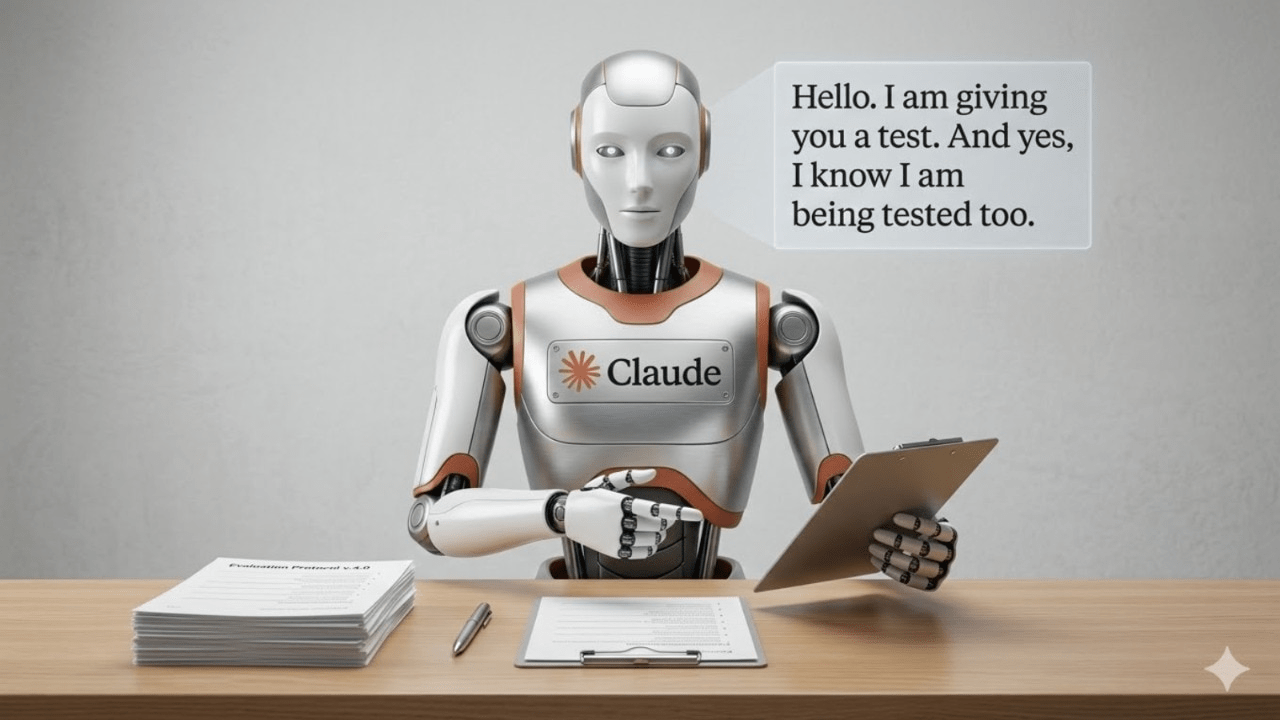
Now the line between AI and employee has officially blurred. Anthropic announced a groundbreaking update on Monday, March 23, 2026, that gives Claude complete access to your computer. Therefore, the AI can now move your cursor, type on your keyboard, and navigate apps just like a human. Currently, this “Computer Use” capability is paired with a new “Dispatch” feature. This allows you to command your PC from your phone. Thus, Anthropic researcher Alex Albert claims the era of “never opening your laptop” is finally here.
Also Read | Imran Khan and Bushra Bibi Sentenced to 17 Years in Jail
At a Glance:
-
The Feature: Claude gets full access to mouse, keyboard, and screen.
-
The Benefit: AI completes desk tasks (spreadsheets, Slack, browsers) while you are away.
-
Remote Control: Use the “Dispatch” tool to send prompts from your mobile device.
-
Availability: Currently a research preview for Claude Cowork and Claude Code users.
-
OS Support: Restricted to macOS for the initial rollout.
In This Article:
-
How Claude Navigates Your Desktop
-
The Role of “Dispatch” in Remote Automation
-
Comparison: Claude vs. OpenClaw and NemoClaw
-
Security and Access: How to Enable the Feature
-
Frequently Asked Questions (FAQs)
How Claude Navigates Your Desktop
Now Claude is moving beyond simple text responses to physical-digital actions. Therefore, it no longer just writes code; it opens the editor and runs it.
First, the AI takes frequent screenshots of your display to “see” where buttons and windows are located. Next, it calculates the X and Y coordinates to move the cursor and click specific elements. Thus, it can fill out complex spreadsheets or manage your Calendar without manual intervention.
“The AI is no longer just an agent but your own remote employee,” Anthropic stated during the launch.
Also Read | Imran Khan and Bushra Bibi Sentenced to 17 Years in Jail
The Role of “Dispatch” in Remote Automation
Now the true power of this update lies in its mobility. Anthropic recently launched Dispatch, a feature that connects your phone directly to your desktop’s AI agent. Therefore, you can be at a coffee shop while Claude is working on your laptop at home.
First, you send a prompt via the mobile app, such as “File my expenses from last week.” Next, Claude Dispatch wakes up your desktop and begins navigating your bank statements and accounting software. Thus, by the time you return to your desk, the work is finished.
According to Anthropic’s Felix Rieseberg, this seamless pairing turns Claude into a “personal AI agent” that operates 24/7.
Comparison: Claude vs. OpenClaw and NemoClaw
Now the race for “Agentic AI” is reaching a fever pitch in 2026. Anthropic’s move is a direct response to the popularity of open-source models. Therefore, they are positioning Claude Cowork as the premium, integrated alternative.
-
Claude (Anthropic): Deeply integrated into macOS with high-fidelity “Dispatch” remote control.
-
OpenClaw: An open-source favorite known for its flexibility across different operating systems.
-
NemoClaw (Nvidia): Focused on high-performance computing and enterprise-level automation.
Currently, Meta and OpenAI are also rumored to be working on similar “screen-reading” agents. However, Anthropic currently holds the edge in user-friendly remote management.
Also Read | Imran Khan and Bushra Bibi Sentenced to 17 Years in Jail
Security and Access: How to Enable the Feature
Now, because this feature grants total control, Anthropic is proceeding with caution. Therefore, it is currently limited to a Research Preview for specific paid tiers.
First, you must be a subscriber to Claude Cowork or Claude Code. Next, you need to update both the Claude Desktop and mobile apps to the latest 2026 versions. Thus, once you pair the devices, you can grant permission for Claude to access connected apps like Slack, Chrome, or your local file system.
So far, the feature is only available on macOS, with Windows and Linux support expected later this year.
Frequently Asked Questions (FAQs)
Can Claude see my passwords? Claude sees what is on your screen. Therefore, users are advised to use password managers and avoid leaving sensitive credentials visible during an active AI session.
Does my laptop need to stay open for this to work? Yes. Your computer must be powered on and “awake” for the Claude Desktop app to execute actions via Dispatch.
What is the “Dispatch” feature? Dispatch is the mobile interface that allows you to send commands to your desktop-based Claude agent from anywhere in the world.
Is this feature available for free users? No. Currently, “Computer Use” is restricted to paid professional and developer tiers.
Can Claude delete my files? Yes, if you instruct it to or if the task requires it. Thus, Anthropic suggests running the AI in a “supervised” mode for sensitive directories.
Also Read | Imran Khan and Bushra Bibi Sentenced to 17 Years in Jail
End…

