

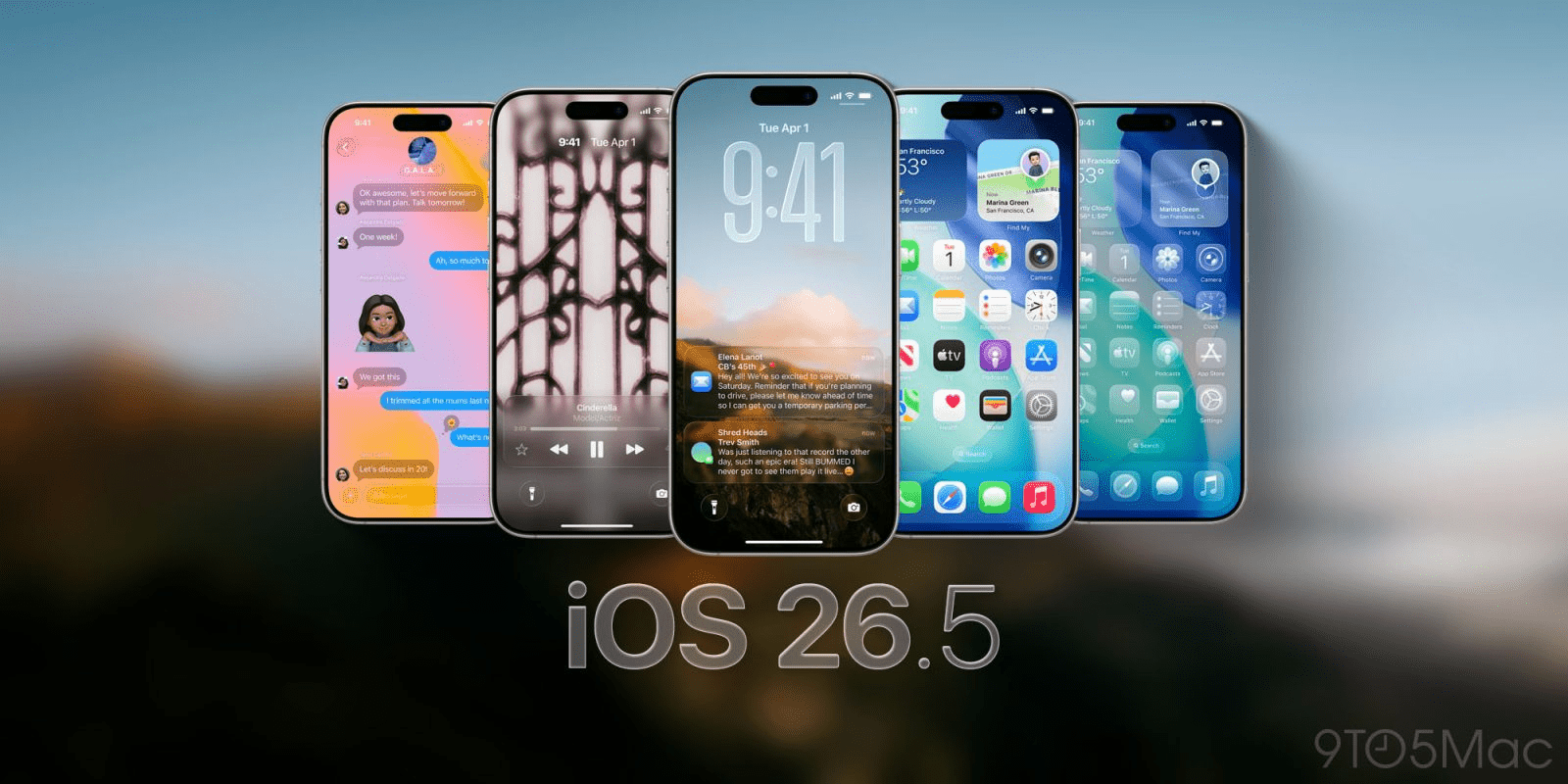
Now the final major chapter of the iOS 26 era has arrived. Apple rolled out iOS 26.5 to iPhones worldwide this Sunday, May 11, 2026, introducing a suite of features that prioritize both user privacy and ecosystem convenience. Therefore, while the tech world eagerly awaits the reveal of iOS 27 at WWDC next month, this mid-cycle update is far from a minor patch. Meanwhile, the headline addition—long-awaited end-to-end encrypted RCS messaging—finally bridges the security gap between iPhone and Android users. Following a month of rigorous beta testing, the update is now available for download on all compatible devices.
Also Read | Imran Khan and Bushra Bibi Sentenced to 17 Years in Jail
The Privacy Milestone: End-to-End RCS Encryption Explained
Now the most significant change in iOS 26.5 addresses a long-standing criticism of mobile messaging. For years, texting between iPhone and Android users meant sacrificing the security of end-to-end encryption. Therefore, with the launch of this update, conversations with Android users on compatible carriers will now be fully encrypted.
First, this means that your messages and media cannot be intercepted or read by third parties while in transit. Next, supported networks will automatically display an encryption label within the Messages app, so there are no complex settings to adjust. Thus, the mechanical necessity of secure communication is finally being met across platform lines.
So Apple began testing this feature in late February to ensure a smooth global rollout. Meanwhile, it is important to note that while the feature is live, its availability depends on carrier support. Therefore, keep an eye out for the encrypted badge in your chat headers to confirm your privacy is protected.
Apple Maps Upgrade: Exploring the New ‘Suggested Places’
Now Apple Maps is taking a significant step forward in its rivalry with Google Maps. The iOS 26.5 update introduces “Suggested Places,” a discovery engine that recommends locations based on trending spots nearby and your own search history. Therefore, the app is evolving from a mere navigation tool into a comprehensive exploration platform.
First, the feature uses local data to highlight cafes, parks, and landmarks that are currently popular. Next, it integrates your recent search patterns to offer personalized suggestions that align with your interests. Thus, finding a new dinner spot or weekend destination has become much more intuitive.
So this update narrows the feature gap that has long existed between the two mapping giants. Meanwhile, the interface remains clean and distraction-free, maintaining Apple’s signature aesthetic. Therefore, Maps users now have a more powerful discovery tool at their fingertips without needing to switch apps.
App Store Changes: Spreading Yearly Costs Over 12 Months
Now the way users pay for premium services is also seeing a practical shift. iOS 26.5 adds support for 12-month commitment plans with monthly payment options on the App Store. Therefore, instead of paying a massive $100 upfront for a yearly subscription, you can now spread that cost over 12 manageable monthly charges.
First, this feature was previously tested in international markets during the iOS 26.4 cycle. Next, with the arrival of iOS 26.5, this payment flexibility is now mandatory for customers in the United States. Thus, users have more control over their monthly budgets while still benefiting from the discounts of a yearly commitment.
So this change is expected to lower the barrier for high-tier apps and services. Meanwhile, developers can now offer more flexible pricing structures to retain their subscriber base. Therefore, the App Store experience is becoming more financially accessible for the average consumer.
Also Read | Imran Khan and Bushra Bibi Sentenced to 17 Years in Jail
Hardware Synergy: Magic Accessories Move to USB-C Pairing
Now Apple is continuing its transition toward a unified USB-C ecosystem. The new update introduces an improved pairing method for the Magic Keyboard, Magic Trackpad, and Magic Mouse. Therefore, you can now connect these devices once via a USB-C cable to stay wirelessly paired indefinitely.
First, this eliminates the need for manual Bluetooth searching or code entry during the initial setup. Next, the system recognizes the accessory immediately upon physical connection, automating the pairing process. Thus, the setup experience is now faster and more reliable than ever before.
So this minor but meaningful tweak reflects Apple’s broader hardware strategy for 2026. Meanwhile, users who frequently switch accessories between devices will find this streamlined process particularly helpful. Therefore, the “Magic” lineup remains a core component of the modern iPhone and iPad workstation.
Pride Luminance: The New Dynamic Refractive Wallpaper
Now for those who enjoy personalizing their device, iOS 26.5 includes the new “Pride Luminance” wallpaper. This dynamic background is designed to refract a spectrum of colors based on how you hold and interact with your iPhone. Therefore, it provides a constantly evolving visual experience for the home and lock screens.
First, the wallpaper uses advanced rendering to simulate the way light hits a refractive surface. Next, as you swipe through apps or tilt your device, the colors shift and glow in a fluid motion. Thus, it is one of the most technically impressive wallpapers Apple has released to date.
So the Pride Luminance option is part of Apple’s annual commitment to celebrating diversity through its software. Meanwhile, the wallpaper is optimized for OLED displays, ensuring deep blacks and vibrant, neon-like highlights. Therefore, it is a must-try for anyone looking to refresh their phone’s aesthetic.
Android Migration: Selecting Specific Time Ranges for Attachments
Now for users moving from Android to iPhone, the “Move to iOS” utility has received a significant upgrade. iOS 26.5 allows users to choose a specific time range when transferring message attachments. Therefore, you are no longer forced to move every single file if you only need the most recent ones.
New Migration Options:
-
30 Days: For those who only need current conversations.
-
One Year: A balance between history and storage space.
-
Everything: A full backup of all historical attachments.
First, this helps save precious storage space on your new iPhone right from the start. Next, it significantly speeds up the initial setup process for users with years of message history. Thus, the transition from Android to the Apple ecosystem has become more granular and customizable.
Also Read | Imran Khan and Bushra Bibi Sentenced to 17 Years in Jail
Compatibility Guide: Which iPhones Support iOS 26.5?
Now the good news for users is that if your phone runs iOS 26, it is ready for iOS 26.5. Apple has maintained broad compatibility for this release, covering devices as far back as the iPhone 13 lineup. Therefore, millions of users can benefit from these security and feature upgrades today.
Compatible Devices Include:
-
iPhone 16 Series: All models (Standard, Pro, Pro Max, Plus).
-
iPhone 15 Series: All models.
-
iPhone 14 Series: All models.
-
iPhone 13 Series: All models.
First, to install the update, open Settings → General → Software Update and tap Update Now. Next, ensure your phone is plugged into power and connected to a stable Wi-Fi network. Thus, you can complete the installation in under 15 minutes and enjoy the new features immediately.
FAQ: Frequently Asked Questions on the iOS 26.5 Release
1. Is RCS encryption finally live on iPhone? Now, yes. With iOS 26.5, messages sent between iPhone and Android users on supported carriers are now end-to-end encrypted.
2. What is the new “Suggested Places” feature in Maps? First, it is a discovery tool that recommends trending locations and spots based on your search history. Thus, it helps you find new places to visit more easily.
3. Can I pay for yearly App Store plans monthly now? So yes. In the U.S., iOS 26.5 adds support for spreading the cost of a 12-month commitment plan over 12 monthly payments.
4. How do I get the new Pride Luminance wallpaper? Next, once you update to iOS 26.5, you can find the new Pride Luminance option in the Wallpaper section of your Settings app.
5. Is iOS 26.5 the last update before iOS 27? Now, it is likely the last major release of the iOS 26 cycle, with iOS 27 set to be revealed at WWDC on June 8, 2026.
6. Does the iPhone 13 support this update? Finally, yes. Any iPhone that currently runs iOS 26, including the iPhone 13 series, is eligible for the iOS 26.5 update.
Also Read | Imran Khan and Bushra Bibi Sentenced to 17 Years in Jail
End…

