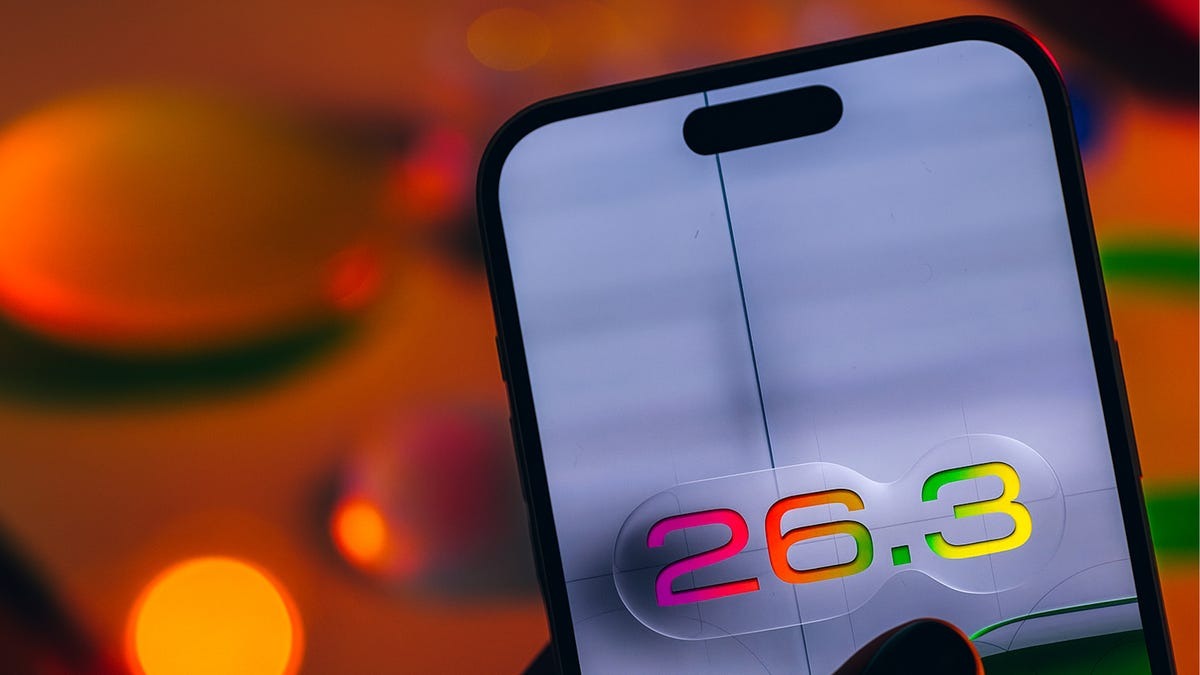
In a move largely driven by global regulatory pressure, Apple officially released iOS 26.3 on February 11, 2026. While mid-cycle updates are typically focused on stability, this version introduces a surprising set of tools designed to make it easier for users to both enter and exit the Apple ecosystem.
The update is now available for iPhone 11 and later models, providing a mix of EU-mandated interoperability and highly requested refinements to Apple’s core media services.
Also Read | Imran Khan and Bushra Bibi Sentenced to 17 Years in Jail
Interoperability: The New “Transfer to Android” Tool
Perhaps the most discussed addition is the native “Transfer to Android” feature. Developed in a rare collaboration with Google, this tool is found under Settings > General > Transfer or Reset iPhone.
-
Simplicity: Users can simply place their iPhone near an Android device to trigger a high-bandwidth Wi-Fi transfer.
-
What Moves: Photos, messages, notes, apps, passwords, and phone numbers are all supported.
-
The Catch: Sensitive data, including Health information, Bluetooth pairings, and locked notes, remain excluded for security reasons.
Apple Music: Offline Lyrics and UI Refinements
Apple continues to bridge the feature gap with rivals like Spotify by enhancing the offline listening experience.
-
Offline Lyrics: You can now view time-synced lyrics for downloaded songs without an internet connection—a vital update for travelers and commuters.
-
Top Picks Integration: The Favorite Songs playlist has been moved to a more prominent position in the “Top Picks” section on the Home tab.
-
Visual Overhaul: The update introduces a “Liquid Glass” refinement to the player interface, featuring thicker outlines in Dark Mode and dynamic resizing for album art.
Also Read | Imran Khan and Bushra Bibi Sentenced to 17 Years in Jail
Privacy First: Precise Location Limits
For users on specific hardware—specifically the iPhone Air, iPhone 16e, and iPhone 17 series—a new privacy toggle has arrived.
-
The Feature: “Limit Precise Location” allows users to restrict cellular carriers from seeing their exact street address.
-
How it Works: Carriers receive only a “neighborhood-level” location, enough for network optimization but not for precise tracking.
-
Carrier Support: At launch, this is limited to providers like Boost Mobile (USA), EE/BT (UK), and Telekom (Germany).
Security Patchwork: Fixing the dyld Zero-Day
Beyond the surface features, iOS 26.3 is a critical security update. Apple’s security notes detail 37 distinct patches.
-
The Zero-Day: The update fixes a memory corruption flaw in the dyld (dynamic link editor). Apple admitted this vulnerability was likely used in “extremely sophisticated attacks” against specific individuals on older software versions.
-
General Fixes: Patches also cover vulnerabilities in CoreAudio, Game Center, and Photos that could have allowed unauthorized access to private data from the Lock Screen.
Also Read | Imran Khan and Bushra Bibi Sentenced to 17 Years in Jail
[iOS 26.3 ELIGIBILITY & DOWNLOAD SIZE]
| iPhone Model | Minimum Requirement | Estimated Update Size |
| iPhone 11 to 17 Pro | iOS 26.0 or later | ~1.1 GB |
| iPhone SE (2nd/3rd Gen) | iOS 26.0 or later | ~950 MB |
| iPad Pro (M5) | iPadOS 26.0 or later | ~1.3 GB |
Next Steps
If you are running any version of iOS 26 prior to 26.3, you should update immediately via Settings > General > Software Update to protect your device against the dyld exploit. Furthermore, if you are planning a switch to a non-Apple device, you should ensure your target Android phone is running the latest OS version to support the new proximity-based transfer tool.
Also Read | Imran Khan and Bushra Bibi Sentenced to 17 Years in Jail
End…