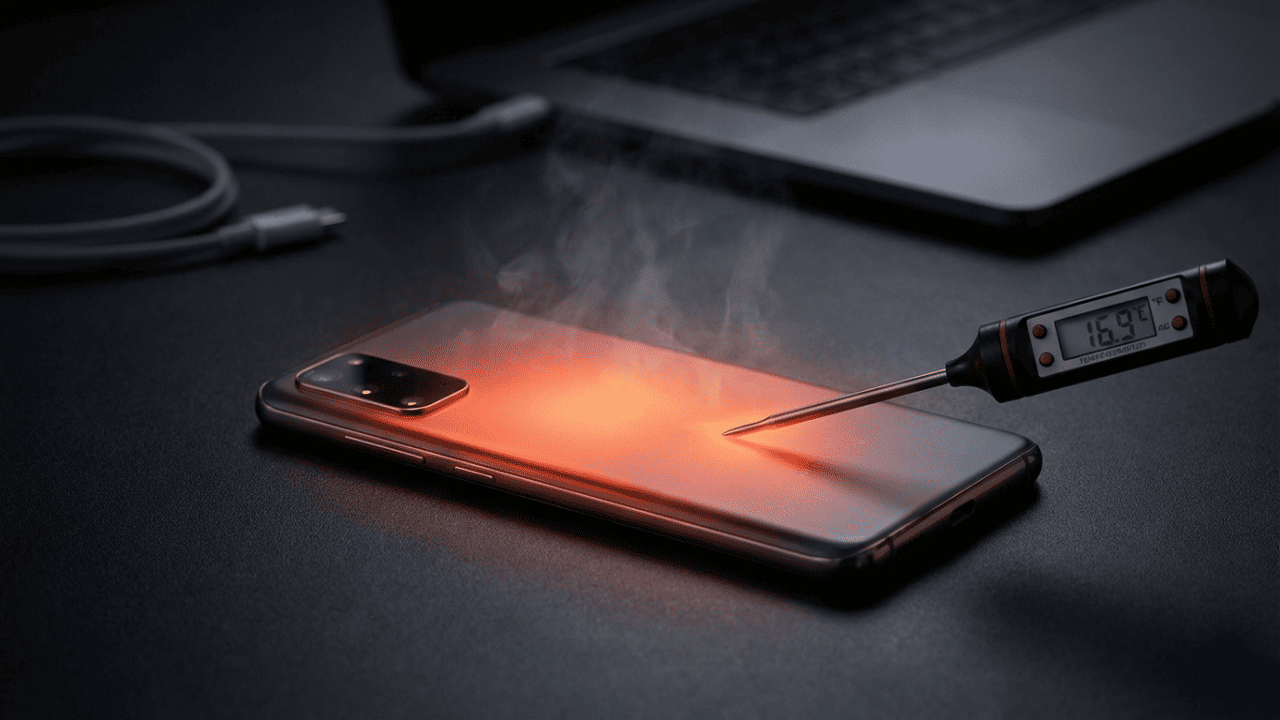
Now every smartphone user—from elite gamers to daily commuters—has faced the frustration of a device that feels like it’s about to melt. This isn’t just a minor annoyance; excessive heat can throttle your performance, kill your battery life, and even pose safety risks. Therefore, understanding why your phone heats up and how to mitigate it is essential for the longevity of your tech. Whether you are streaming high-definition content or navigating through the city, here is your definitive guide to keeping your smartphone cool.
Also Read | Imran Khan and Bushra Bibi Sentenced to 17 Years in Jail
App Overload: The CPU and RAM Battle
Now even when you aren’t looking at your screen, your phone is working hard. Running multiple apps in the background is a leading cause of smartphone heat. Therefore, these apps continue to siphon off CPU cycles and RAM capacity behind the scenes.
First, this constant activity produces a steady stream of heat that builds up over time. Next, you should make it a habit to close unused apps and limit “Background App Refresh” in your settings. Thus, you can reduce the workload on your processor and improve overall temperature management.
So a “clean” phone is a cool phone. Meanwhile, many modern OS versions offer a “Deep Sleep” mode for apps you rarely use. Therefore, take five minutes to audit your background activity today.
Gaming and Streaming: Pushing the GPU to the Limit
Now high-performance tasks like 4K streaming or intense mobile gaming naturally generate significant heat. Therefore, your phone’s processor and Graphics Processing Unit (GPU) are pushed to their physical limits during these sessions.
First, long gaming sessions without breaks can lead to thermal throttling. Next, try lowering the graphics settings in your favorite games to reduce the load. Thus, you can extend your play sessions without worrying about damaging internal components.
So avoid the temptation to play “heavy” games while your phone is plugged in. Meanwhile, taking a five-minute break every hour allows the internal temperatures to stabilize. Therefore, balance your entertainment with thermal awareness.
Charging Habits: Why Original Chargers Matter
Now charging is a chemical process that inherently produces heat. However, poor habits can turn a warm phone into a dangerous one. Therefore, using your phone while it is connected to a fast charger is a recipe for overheating.
First, always stick to original or certified third-party chargers to ensure the correct voltage. Next, avoid placing your phone on soft surfaces like beds or pillows while charging, as they trap heat. Thus, you can maintain better battery health and prevent premature degradation.
So if your phone feels exceptionally hot while plugged in, unplug it immediately. Meanwhile, modern fast-charging tech is smart, but it still needs ventilation. Therefore, give your device some breathing room during its power-up cycle.
Also Read | Imran Khan and Bushra Bibi Sentenced to 17 Years in Jail
External Heat: The Danger of Direct Sunlight
Now the environment around your phone is just as important as the apps inside it. Leaving your device in direct sunlight or a parked car can raise temperatures to critical levels in minutes. Therefore, external heat adds to the internal thermal load, creating a dangerous feedback loop.
First, always keep your phone in a shaded or cool place when outdoors. Next, if your phone does get hot from the sun, do not put it in the freezer to cool it down—the sudden temperature change can cause condensation and crack the screen. Thus, a slow, natural cooling in the shade is always better.
So treat your phone like a living thing in the summer heat. Meanwhile, use the “Display Brightness” auto-setting to prevent the screen from generating extra heat. Therefore, be mindful of where you place your tech during outdoor excursions.
Software Health: Updates and Bug Fixes
Now sometimes the heat isn’t your fault—it’s the code. Outdated software or buggy updates can cause apps to malfunction and hog system resources. Therefore, keeping your Operating System (OS) up to date is a vital maintenance step.
First, check for system updates regularly to ensure you have the latest thermal management patches. Next, if you notice heating right after a specific app update, try resetting that app or checking for a follow-up patch. Thus, you can resolve “resource leaks” that lead to overheating.
So software optimization is often the unsung hero of a cool phone. Meanwhile, a periodic restart of your device can clear out minor software glitches. Therefore, stay updated to stay cool.
Network Strain: The Hidden Cost of Low Signal
Now your phone is a communication device first, and it will work overtime to stay connected. When you are in a low-signal area, the phone uses extra power to search for a tower. Therefore, this increased effort generates localized heat near the internal antennas.
First, if you are in a basement or a remote area with zero bars, switch to Airplane Mode. Next, use Wi-Fi whenever it is available to reduce the strain on the cellular modem. Thus, you can save battery life and prevent the phone from warming up in your pocket.
So being aware of your signal strength can save your device from unnecessary stress. Meanwhile, modern 5G networks can also generate more heat than 4G in some conditions. Therefore, manage your connectivity wisely.
Also Read | Imran Khan and Bushra Bibi Sentenced to 17 Years in Jail
Battery Health: When to Consider a Replacement
Now as a battery ages, its internal resistance increases. This means it has to work harder to deliver the same amount of power, which results in more heat. Therefore, if your phone is over two years old and heating up frequently, the battery is likely the culprit.
First, check your “Battery Health” in the settings menu; a capacity below 80% is a red flag. Next, an aging battery is not just hot—it can also swell and damage the screen or back panel. Thus, a proactive replacement can save the rest of the phone.
So don’t ignore frequent heat warnings during basic tasks. Meanwhile, a fresh battery can often make an old phone feel brand new again. Therefore, invest in a replacement if the data shows high degradation.
Case Design: Trapping Heat in Plastic and Rubber
Now protection often comes at a thermal price. Thick, rugged cases are excellent for drops, but they act as insulators that trap heat inside the phone. Therefore, your choice of case can significantly contribute to overheating during high-performance tasks.
First, consider removing the case temporarily while gaming or fast-charging. Next, look for “heat-friendly” designs that feature ventilation holes or heat-dissipating materials. Thus, you can allow the back of the phone to radiate heat more effectively.
So the material of your case matters more than you think. Meanwhile, simple TPU cases generally allow for better airflow than heavy-duty multi-layer protectors. Therefore, match your case to your activity level.
FAQ: Smartphone Heating and Cooling Tips
1. Is it normal for my phone to get slightly warm? Now, yes. All electronics generate some heat during operation. However, if it’s painful to touch or shows a warning message, it is overheating.
2. Can I use my phone while it’s charging? First, for basic tasks like texting, it’s fine. Next, avoid gaming or high-def streaming as this generates excessive dual-heat from the battery and the processor.
3. Does the “Dark Mode” help with heating? So yes. On OLED screens, dark mode uses less power because pixels are turned off. Therefore, it can slightly reduce the heat generated by the display.
4. Can a virus cause my phone to overheat? Next, it is possible. Malicious software often runs complex tasks in the background without your knowledge. Thus, if your phone is hot for no reason, run a security scan.
5. What is the quickest way to cool down a hot phone? Now, turn it off or put it in Airplane Mode, remove the case, and place it in front of a fan.
6. Why does my phone heat up during video calls? Finally, video calls use the camera, the screen, the speakers, and the data modem simultaneously. This high multi-resource usage is naturally taxing on the thermal system.
Also Read | Imran Khan and Bushra Bibi Sentenced to 17 Years in Jail
End…