

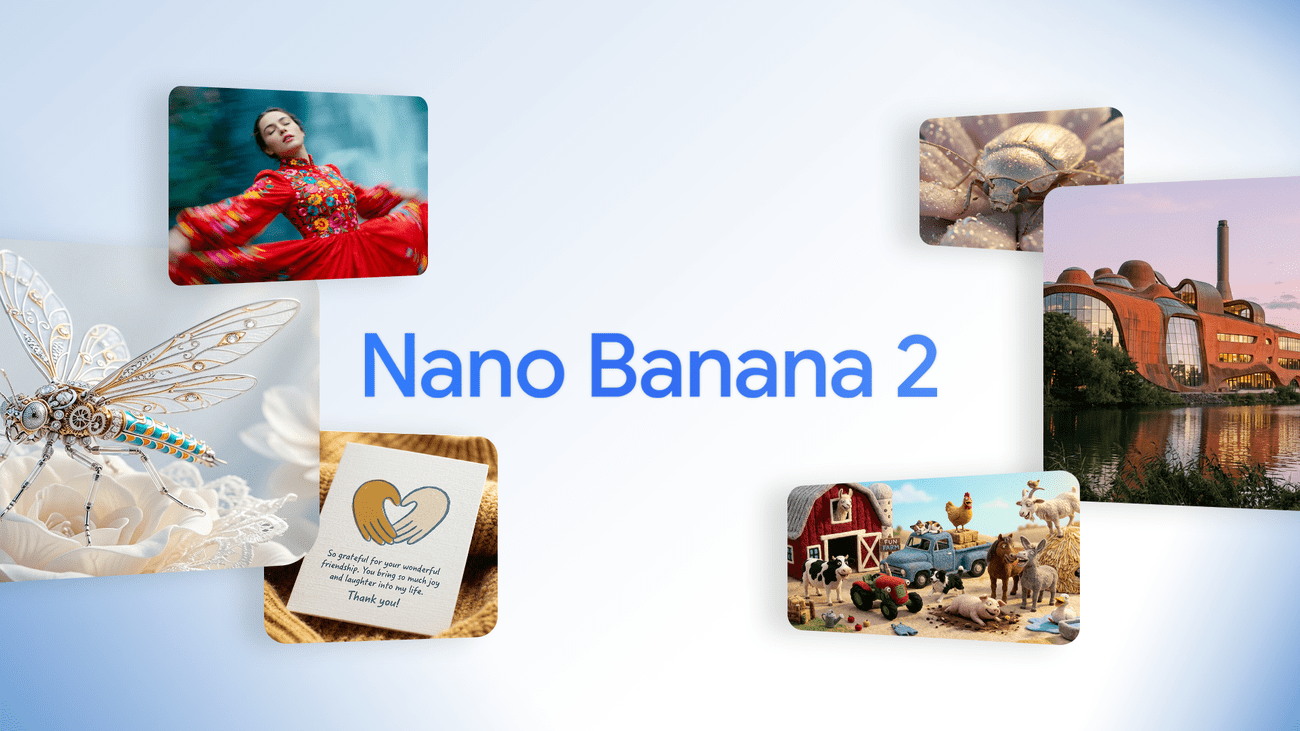
Now Google’s Gemini chatbot has reached a major milestone. The popular Nano Banana feature can finally see through your Google Photos. Therefore, users can generate highly personalized images without manual uploads. This update marks a shift toward truly connected artificial intelligence. Specifically, the feature uses your existing library to identify people and settings.
Meanwhile, this integration is powered by the new Personal Intelligence layer. It allows the chatbot to understand your life context.
But how does this change your daily photo editing?
Also Read | Imran Khan and Bushra Bibi Sentenced to 17 Years in Jail
What is the New Nano Banana Feature?
Now Nano Banana is the creative heart of the Gemini chatbot. It started last year as a fun way to make figurines. Therefore, it quickly became a fan favorite for image generation. But the 2026 version is far more powerful.
Direct Library Access
First, the feature now bypasses the need for manual attachments. You no longer have to hunt for a scenic vacation photo. Then, you don’t have to upload it back to the bot. Thus, the “heavy lifting” happens entirely behind the scenes.
Next, you can simply ask Gemini to “put me in this photo.” Therefore, the AI finds your face and places it perfectly. Meanwhile, the lighting and shadows adjust automatically to match the scene.
“This simplifies the entire generation process,” Google noted.
How Personal Intelligence Reads Your Photos
Now the “brain” behind this is Personal Intelligence. This is a recently rolled-out feature for the Gemini ecosystem. Therefore, it acts as a bridge between your different Google apps.
Connecting the Dots
First, Personal Intelligence reads the metadata in your library. It understands where you go and what you like. Then, it shares this context with the Nano Banana generator. Thus, the results reflect your specific lifestyle and tastes.
Next, it offers personalized suggestions based on your history. If you often take beach photos, Gemini might suggest a seaside theme. Therefore, the AI feels more like a creative partner than a tool.
So the chatbot finally “knows” who you are.
The Death of Long Image Prompts
Now users often struggle with writing detailed AI prompts. You used to have to describe your hair, clothes, and surroundings. Therefore, generating a good image took several minutes of typing.
Context-Aware Generation
First, Nano Banana already has your context from connected apps. It knows your favorite person and your favorite spots. Then, it automatically pulls these details into the generation process. Thus, you can use much shorter prompts.
Next, you might just say, “Make a photo of me and Sarah at the Eiffel Tower.” Therefore, Gemini finds “Sarah” from your labeled photos. Meanwhile, it uses your recent selfies to recreate your likeness.
So the days of the 200-word prompt are over.
Also Read | Imran Khan and Bushra Bibi Sentenced to 17 Years in Jail
Identifying People and Groups Automatically
Now the most impressive part is the facial recognition. Nano Banana reads the labels you have already provided in Google Photos. Therefore, it can distinguish between your friends, family, and coworkers.
Smart Labeling
First, Gemini scans your “People & Pets” section. It matches the names you’ve saved to the faces in its view. Then, it uses these high-quality references to build the AI image. Thus, the “uncanny valley” effect is greatly reduced.
Next, you can generate group photos that never actually happened. You could imagine a family reunion in a fantasy setting. Therefore, the AI creates a cohesive image using everyone’s real features.
“It helps guide the generation process perfectly,” the company stated.
Editing and Refining Your AI Creations
Now Google acknowledges that AI isn’t always perfect. Sometimes the background is wrong or a hand looks strange. Therefore, they have introduced a better refinement system.
Interactive Corrections
First, you can point out specific errors in the generated image. You might say, “My hair is shorter in real life.” Then, Gemini will re-read your Google Photos for a better reference. Thus, the second attempt is usually much more accurate.
Next, you can experiment with different styles. Once the base image is ready, you can turn it into a 3D render or a sketch. Therefore, the creative possibilities are endless.
Finally, you can click a “Source” button. This tells you exactly which photos Gemini used for reference.
Privacy: Does Google Train on Your Photos?
Now many experts are worried about this level of access. Having an AI read your entire photo library is a big deal. Therefore, Google has issued several privacy clarifications.
The Privacy Shield
First, Google states it does not directly train models on private libraries. Your personal photos won’t end up in a public AI dataset. Then, the app uses your data only for your specific session. Thus, your “Personal Intelligence” stays personal.
Next, Google may use your prompts to improve the chatbot. But they claim this does not compromise your identity. Therefore, they are trying to balance utility with safety.
“The feature does not compromise user privacy,” Google insisted.
Still, users should be aware of what they share with any AI.
Also Read | Imran Khan and Bushra Bibi Sentenced to 17 Years in Jail
Who Can Access Nano Banana Photo Integration?
Now the rollout is starting today but it is limited. Google is targeting its most loyal users first. Therefore, check your subscription tier before trying to use it.
Eligible Tiers
First, the feature is for Google AI Plus, Pro, and Ultra subscribers. Basic tier users will have to wait longer. Then, the initial rollout is limited to the United States. Thus, international users might see a delay of several weeks.
Next, the feature is appearing first on the Gemini mobile app. Both Android and iOS users will get the update together. Therefore, ensure your app is updated to the latest 2026 version.
So if you have Pro or Ultra, check your settings today.
The Future of Gemini in Chrome Desktop
Now the mobile app is just the beginning. Google plans to bring this to the desktop very soon. Therefore, Chrome users will get a native Nano Banana experience.
Desktop Integration
First, the Chrome sidebar will house the new generator. You can browse Google Photos in one tab and edit in the next. Then, the “Personal Intelligence” will sync across your devices. Thus, your edits on the phone appear on your PC.
Next, Google plans to bring this to more users globally. They want Nano Banana to be the standard for AI image creation. Therefore, expect a wider rollout by the end of 2026.
Finally, the desktop version may offer more granular editing tools.
Common Questions Answered
What is the Nano Banana Gemini feature? Now it is an AI image generator within the Gemini app. It can now access your Google Photos to create personalized images.
How does it know what I look like? First, it uses Personal Intelligence to read your Google Photos library. It looks at your labeled photos to identify your face.
Can I edit a generated image? Next, yes. You can tell Gemini what was wrong with the first image. Therefore, it will try again using your specific feedback.
Is my privacy safe with Google Photos access? So Google says it does not train its models on your private photos. The access is used only to fulfill your specific prompts.
Which users can use this feature now? Finally, it is rolling out to AI Plus, Pro, and Ultra subscribers in the U.S. More regions and tiers will follow soon.
Also Read | Imran Khan and Bushra Bibi Sentenced to 17 Years in Jail
End…

