

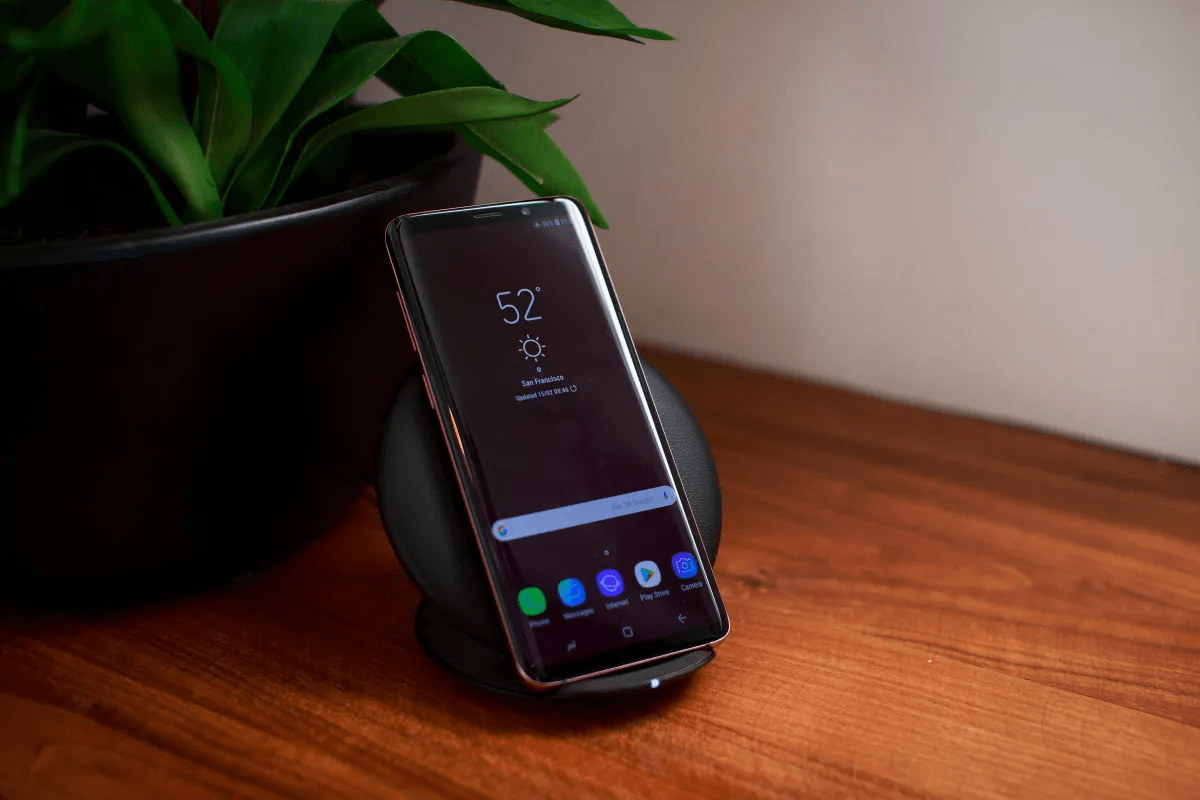
Now the mystery behind sudden power drops on many Galaxy devices has finally been solved. Specifically, Samsung has confirmed that a software-driven bug in the native Samsung Keyboard app was the primary culprit behind recent reports of excessive background power consumption. Therefore, the Samsung Keyboard battery drain fix is now rolling out globally to restore the “optimal experience” users expect from their premium hardware. While Samsung phones are generally known for decent battery life, this specific glitch proved that a single system app can compromise the entire mobile experience.
Meanwhile, a company moderator has addressed the community concerns, urging all users to check their app versions immediately.
But for many, the update isn’t just about saving power; it is part of a broader April 2026 security overhaul currently hitting the Galaxy ecosystem.
Also Read | Imran Khan and Bushra Bibi Sentenced to 17 Years in Jail
Community Reports: How the Keyboard Bug was Discovered
Now we must look at how this issue came to light. For weeks, users in the Samsung Community forums had been reporting an unexplained drain, often blaming the operating system itself. Therefore, the discovery of the Samsung Keyboard battery drain fix requirement was the result of collaborative troubleshooting between fans and developers.
The Invisible Culprit
First, users noticed that their “Battery and Device Care” settings showed unusually high active time for the keyboard, even when not typing. Then, Samsung moderators verified these logs, confirming that the app was staying “awake” in the background. Thus, a tool meant for simple text input became a major power hog. Next, the company prioritized a patch to prevent this background activity from cycling. Therefore, the community’s vocal feedback was instrumental in accelerating the development of the 5.9.30.81 build.
Technical Breakdown: Why Version 5.9.30.81 is Essential
Now, for those wondering about the specifics, this version carries a targeted code correction. It specifically addresses the “runaway process” that prevented the keyboard from entering a low-power state.
Efficiency Restored
First, the keyboard app was failing to release system resources after a session ended. Then, version 5.9.30.81 forces a “hard stop” on these background processes, ensuring the CPU can return to its idle frequency. Thus, the thermal performance of the phone also improves, as the processor is no longer working overtime for a hidden task. Next, this build has been stress-tested across the S24 and S25 series to ensure no secondary bugs were introduced. Therefore, updating is the only definitive way to eliminate the drain.
How to Update Your Samsung Keyboard App
Now the process for applying the Samsung Keyboard battery drain fix is straightforward, but it requires the Galaxy Store rather than the Google Play Store.
Step-by-Step Instructions:
-
Open Settings: Navigate to the main settings menu on your Galaxy device.
-
Search for Keyboard: Find “Samsung Keyboard settings” in the search bar.
-
Check Version: Scroll to “About Samsung Keyboard” to see your current version.
-
Update via Galaxy Store: If you are on an older build, tap update. Alternatively, open the Galaxy Store app directly, go to “Menu,” and select “Updates.”
First, ensure your device is connected to Wi-Fi to avoid data charges. Then, once the update is installed, a quick restart of the phone is recommended to clear any remaining cached processes. Thus, you can immediately begin monitoring your battery life for improvements. Next, Samsung suggests turning on “Auto-update” for system apps to prevent future bugs from lingering. Therefore, taking these five minutes can save you hours of charging time later.
Also Read | Imran Khan and Bushra Bibi Sentenced to 17 Years in Jail
The April 2026 Security Patch: A Comprehensive Clean-up
Now, in addition to the keyboard fix, Samsung is pushing its broader April 2026 security update. This is a critical move for maintaining device integrity against modern mobile threats.
47 Vulnerabilities Patched
First, the patch includes fixes for forty-seven different CVE (Common Vulnerabilities and Exposures) and SVE (Samsung Vulnerabilities and Exposures) items. Then, these fixes cover everything from kernel-level exploits to individual app permissions. Thus, the keyboard update acts as a “bonus” improvement alongside this massive security shielding. Next, this rollout is already live for the Galaxy S25, S24, and several A-series models. Therefore, the combination of the security patch and the keyboard update elevates the overall stability of the device to its 2026 peak.
One UI 8.5 Update: What to Expect from the Stable Build
Now the road ahead looks even more promising for Galaxy enthusiasts. April 30 is expected to mark the beginning of the Stable One UI 8.5 update rollout.
The Next Evolutionary Step
First, the update will debut for the Galaxy S25 series, likely starting in South Korea. Then, a global expansion is reportedly scheduled for May 4, 2026. Thus, users who apply the current keyboard patch now will have a more stable base when the major OS upgrade arrives. Next, One UI 8.5 is expected to refine AI-driven predictive text and multitasking features even further. Therefore, the Samsung Keyboard battery drain fix is essentially a “pre-requisite” for a smooth transition into the next generation of Samsung software.
System Apps vs. OS: The Importance of Micro-Updates
Now we must address a common misconception: that only “System Updates” (OS) matter. Samsung’s recent memo reminds users that “apps play a key role in providing the experience.”
Individual App Reliability
First, major OS updates happen once or twice a year, but system apps update weekly. Then, these individual updates—like the keyboard, camera, or gallery—often contain critical performance tweaks that don’t wait for a full firmware release. Thus, ignoring app updates can lead to poor performance even on the latest Android version. Next, the keyboard bug is a prime example of how a 20MB app patch can be as important as a 2GB OS update. Therefore, maintaining your app library via the Galaxy Store is vital for the long-term health of your hardware.
Also Read | Imran Khan and Bushra Bibi Sentenced to 17 Years in Jail
Galaxy S25 Series: Leading the Global Expansion
Now the Galaxy S25 series remains at the forefront of Samsung’s software strategy. Owners of these flagship devices will be the first to receive both the keyboard fix and the upcoming One UI 8.5.
The Flagship Advantage
First, the S25 series serves as the “testbed” for these critical fixes due to its high-performance processor architecture. Then, the global expansion starting on the 4th of next month will ensure that users in North America, Europe, and India are quickly up to date. Thus, Samsung is maintaining a rapid cadence of updates to keep its 2026 flagships competitive against new rivals. Next, the Samsung Keyboard battery drain fix is especially critical for the S25 Ultra to maintain its reputation as a “two-day battery” beast. Therefore, flagship owners should be the most vigilant in checking for version 5.9.30.81.
Battery Optimization Tips for Galaxy Users
Now, while the keyboard fix solves a major bug, general maintenance can further extend your Galaxy phone’s lifespan.
Pro-Tips for 2026:
-
Deep Sleeping Apps: Place apps you rarely use into “Deep Sleep” via Battery settings.
-
Dark Mode: On AMOLED screens, dark mode can save up to 10-15% of battery daily.
-
Adaptive Brightness: Let the phone manage its own nits to prevent excessive screen drain.
-
Check Galaxy Store Updates: Make it a weekly habit to check for system app updates manually.
First, these habits prevent “invisible” drain from accumulating over time. Then, by combining the Samsung Keyboard battery drain fix with these settings, you ensure maximum efficiency. Thus, you are less likely to experience the frustration of a “dead phone” by mid-afternoon. Next, always monitor the “Battery usage” chart to see if any other third-party app is behaving like the keyboard bug did. Therefore, proactive management is the key to longevity.
Common Questions Answered
What version of Samsung Keyboard fixes the battery drain? Now you must update to version 5.9.30.81. This specific build contains the patch confirmed by Samsung moderators to stop background drain.
How do I know if my keyboard is draining my battery? First, go to Settings > Battery > View Details. Then, check if “Samsung Keyboard” appears with a high percentage of “Background” usage.
Where can I find the update? Next, it is available in the Galaxy Store. Open the store, go to the “Updates” section, and look for Samsung Keyboard.
Does this fix come with the April security patch? So yes. The keyboard update is rolling out alongside the April 2026 security update, which also addresses 47 other security vulnerabilities.
When is One UI 8.5 coming? Finally, the stable rollout is expected to begin on April 30 for the Galaxy S25 series, with a global expansion starting on May 4.
Also Read | Imran Khan and Bushra Bibi Sentenced to 17 Years in Jail
End…

