

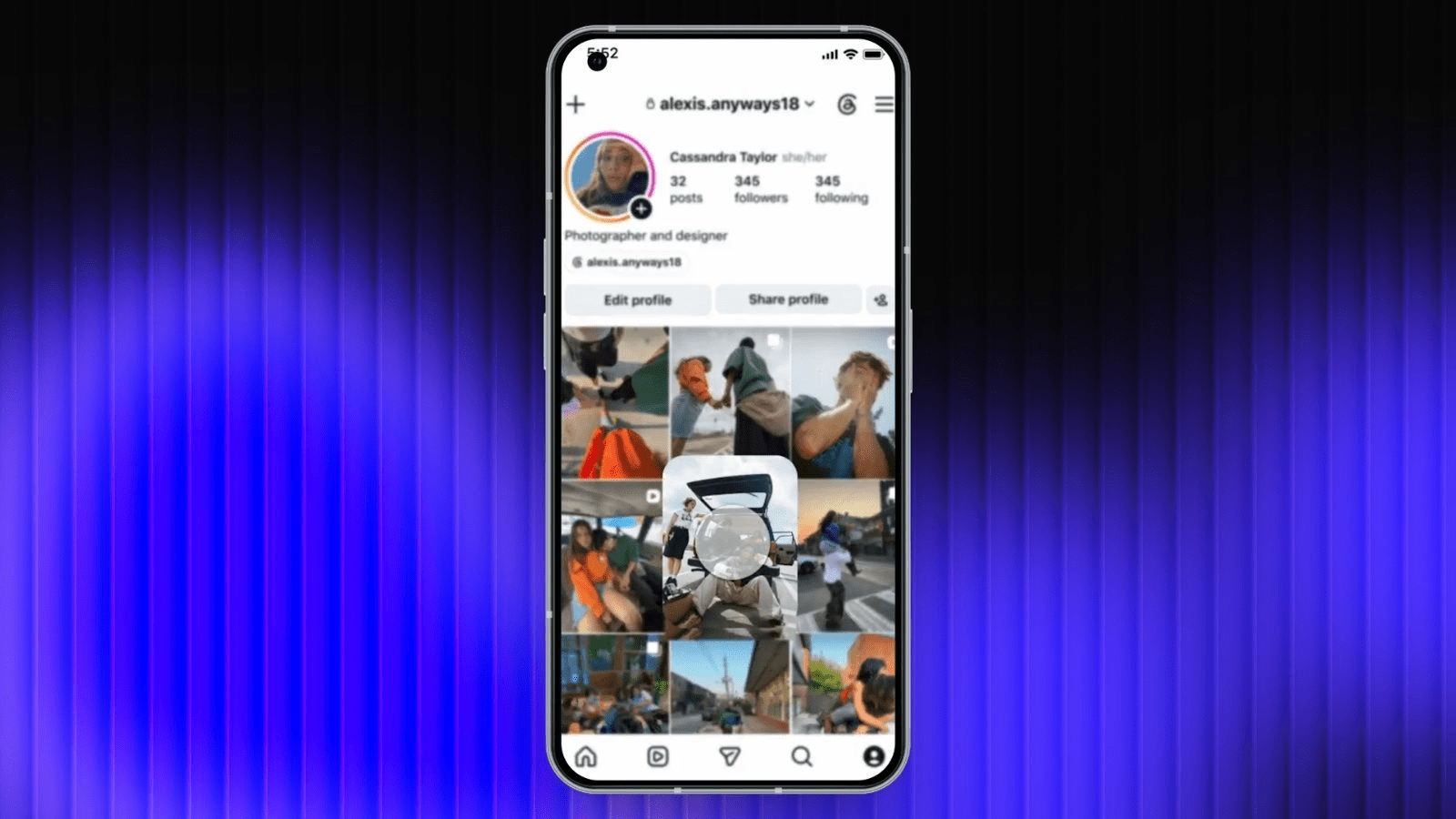
The global rollout introduces a native drag-and-drop editing dashboard, protecting likes and comments while breaking the rigid reverse-chronological upload lock.
The structural presentation of digital identities on social media has shifted away from calendar limits. In a massive global rollout on Tuesday, June 9, 2026, Meta officially launched the native Instagram profile grid rearrange feature. This tool gives digital creators, brand storefronts, and everyday users absolute manual control over how their media grid appears to external profile visitors.
The deployment completely breaks a long-standing constraint of the app. Since its inception, Instagram has locked profile pages into a strict, reverse-chronological upload timeline—meaning newer snapshots always buried older work.
While the platform previously added a minor fix by allowing users to pin up to three select posts to the top row, this new ecosystem-wide update allows accounts to reposition their entire media grid at will. This lets users refresh their profile aesthetic without losing historical engagement metrics.
Also Read | Imran Khan and Bushra Bibi Sentenced to 17 Years in Jail
Understanding the Visual Control Dashboard
The primary engineering achievement behind the “Reorder Your Grid” interface is the absolute separation of visual placement from background database metadata.
Before this native tool arrived, creators who wanted to bring an older masterpiece back to the top of their page had to go through a frustrating workaround: archiving the post, downloading the image, and re-uploading the file scratch-fresh. This clumsy approach wiped out all historical likes, comments, and analytics shares.
The 2026 reordering framework changes this completely. Moving a post simply updates its visual coordinates on your profile page; the original upload timestamps, caption formatting layers, and user comments remain perfectly intact.
How to Use the Grid Rearrange Feature: Step-by-Step Guide
The user interface loop is designed to be fast and simple. It requires no sketchy third-party apps or grid-planning layouts. To curate your profile page right now, follow this verified procedural sequence:
The Pinning Exception: Managing Top-Row Assets
While the update grants immense flexibility, users must account for how the reordering interface interacts with existing pinned posts.
| Grid Interface Layer Component | Standard Chronological Mode | Active Reordering Editing Window | Final Public Display Behavior |
| Pinned Profile Posts | Hard-locked to the top row; marked with an icon badge. | Greyed out completely; locked against manual drag-and-drop adjustments. | Pinned assets remain fixed at the very top of the profile, overriding other layout moves. |
| Standard Grid Content | Moves downward automatically as new uploads arrive. | Fully unlocked; can be moved to any space below pinned posts. | Displays in the custom order you set until you manually shuffle them again. |
| Fresh Future Uploads | Lands instantly in the top-left slot of the feed. | Drops into the primary slot, naturally moving the custom order down. | Pushes the top row down, but preserves your custom reordered blocks as a unit. |
This means that if you have three high-performing brand collaborations pinned to your profile’s top line, they will remain anchored there. To move those specific posts, you will need to unpin them first before launching the grid reordering screen.
Creator Strategy: Monetizing the Grid
The launch of this feature changes how businesses and creative professionals handle their social media marketing strategy. Working photographers can now organize their feeds into clean theme collections—keeping soft black-and-white portraits separated from vibrant travel landscapes to maintain a curated aesthetic.
Concurrently, this roll-out matches Meta’s broader rollout of Instagram Plus, a premium subscription tier priced at ₹299 per month in India. While the basic grid reordering tool is completely free for all standard global accounts, paying Instagram Plus subscribers receive advanced custom tools. These perks include the ability to pin up to six posts simultaneously, use custom typography fonts in bio blocks, and utilize advanced analytics dashboards to monitor Profile Grid clicks.
Whether you are looking to run a high-impact product campaign or simply want your personal profile page to reflect your current style rather than old calendar dates, this update gives you the creative control needed to make a strong first impression.
FAQ Section
How do I access the new Instagram profile grid rearrange feature?
To use the tool, open your profile page within the updated Instagram app. Tap and hold your finger down on any post thumbnail until a context menu pops up. From there, select “Reorder Grid” to open the interactive drag-and-drop workspace screen.
Will moving an older post to the top of my profile change its posting date?
No. The grid reordering tool modifies only the visual layout of your profile page. The original publication timestamp, captions, user comment history, and cumulative likes remain completely unchanged.
What happens to my pinned posts when I reorder my profile grid?
Any posts you have pinned to your profile will remain locked at the very top of your page. In the reordering workspace, these pinned tiles appear greyed out and cannot be moved until you choose to unpin them from your main feed.
Also Read | Imran Khan and Bushra Bibi Sentenced to 17 Years in Jail
End…

