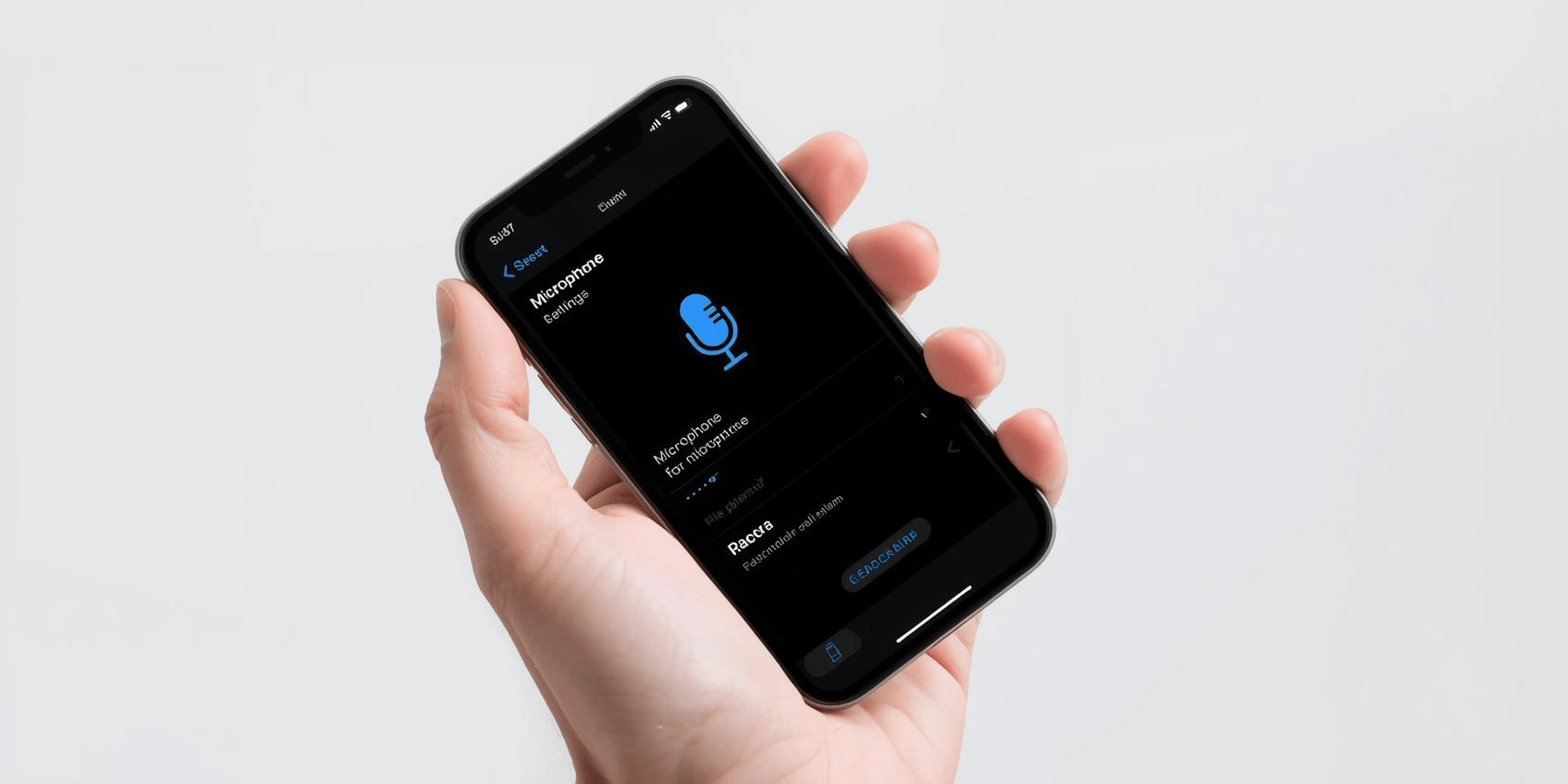
Operating system engineers roll out prominent status bar indicators as free utilities, games, and shopping applications deploy background tracking tools.
The habit of quickly tapping through standard user agreements has created a major loophole in personal data security. According to recent white papers published across global cybersecurity channels, the smartphone app microphone permissions risk remains a massive vulnerability for mobile consumers. Millions of individuals systematically grant full audio recording rights to free software downloads, leaving their personal spaces vulnerable to aggressive data collection practices.
While primary communication tools—such as video-conferencing suites, voice-note recorders, and digital assistants—require direct audio capture to function, a massive influx of non-audio tools are requesting the same access.
Privacy watchdogs reveal that basic games, image editors, and flashlight utilities are building extensive behavioral profiles by tracking environmental audio data, turning simple permissions into a significant hidden privacy risk.
Also Read | Imran Khan and Bushra Bibi Sentenced to 17 Years in Jail
The Architecture of the Audio Capitalization Loop
When a user clicks “Allow” on a standard system prompt, they hand over the legal right to record audio straight to the application’s underlying code. In the world of free-to-use software, this access is often repurposed to generate ad revenue.
This hidden data collection process operates entirely in the background, utilizing advanced algorithms to screen ambient soundscapes for product keywords, television viewing habits, and localized acoustic signatures.
Consequently, these targeted insights are packaged into encrypted data strings and transmitted to third-party ad networks, helping advertisers target users with precision based on their real-world environments.
Slicing Through the Hardware Indicators: Spotting Active Taps
To combat unauthorized data harvesting, both Apple and Google have built active visual warning systems directly into their core operating system frameworks.
| Operating System Environment | Visual Privacy Indicator Alert | System Monitoring Dashboard Location | User Remediation Action Path |
| Apple iOS 19 / 20 | Distinct Orange Dot icon | Top-right corner of the dynamic status bar. | Swipe down to view the Control Center and identify the exact app tracking your audio. |
| Google Android 15 / 16 | Bright Green Microphone badge | Unified upper status bar indicator bar. | Open the Privacy Dashboard to view a 24-hour chronological history of app access. |
Note: If either of these security indicators illuminates when you are not actively using a voice feature, it means an application is actively recording your environment. Users should open their device settings immediately to revoke the app’s permissions.
Beyond real-time status alerts, modern mobile software gives consumers granular control over their internal hardware.
Instead of granting permanent, open-ended permissions, devices support conditional options like “Allow only while using the app.” This setting ensures that the moment you close an application or lock your screen, the operating system cuts off its access to your microphone, protecting your data from background tracking tools.
Also Read | Imran Khan and Bushra Bibi Sentenced to 17 Years in Jail
Five Immediate Steps to Secure Your Mobile Microphones
To audit your device and eliminate potential data leaks, run this structural security checkup today:
Ultimately, managing the smartphone app microphone permissions risk requires a shift in how we approach digital security.
By looking past the convenience of free app downloads and questioning why a basic utility needs to listen to your environment, you can protect your personal space from unwanted monitoring.
Taking two seconds to verify your security settings helps you block background tracking tools, keep your data private, and reclaim complete control over your digital life.
FAQ Section
How can I find out if a free app is secretly using my microphone?
Look for the built-in system indicators at the top of your screen. Modern iPhones display a distinct orange dot in the upper status bar whenever an application accesses your audio hardware, while Android devices show a green microphone icon. You can also check your device’s Privacy Dashboard to view a detailed, minute-by-minute log of which apps accessed your microphone over the past 24 hours.
Does denying microphone access break basic apps like shopping or photo tools?
No. For a vast majority of basic utilities, denying audio access will not break their primary functions. A shopping app will still let you browse items, and a photo tool will still edit your images perfectly without microphone permissions. If an app genuinely needs audio for a specific tool—like a voice search feature—it will simply ask for permission again when you tap that option.
What is background audio telemetry, and is it legal?
Background audio telemetry refers to an application’s ability to monitor environmental sounds while running quietly in the background. While major app marketplaces strictly ban hidden, unauthorized recording, many free applications include these tracking capabilities within their long, complex privacy policies. When users accept those terms blindly, they unknowingly grant the app the legal right to gather behavioral data for targeted advertising.
Also Read | Imran Khan and Bushra Bibi Sentenced to 17 Years in Jail
End….