

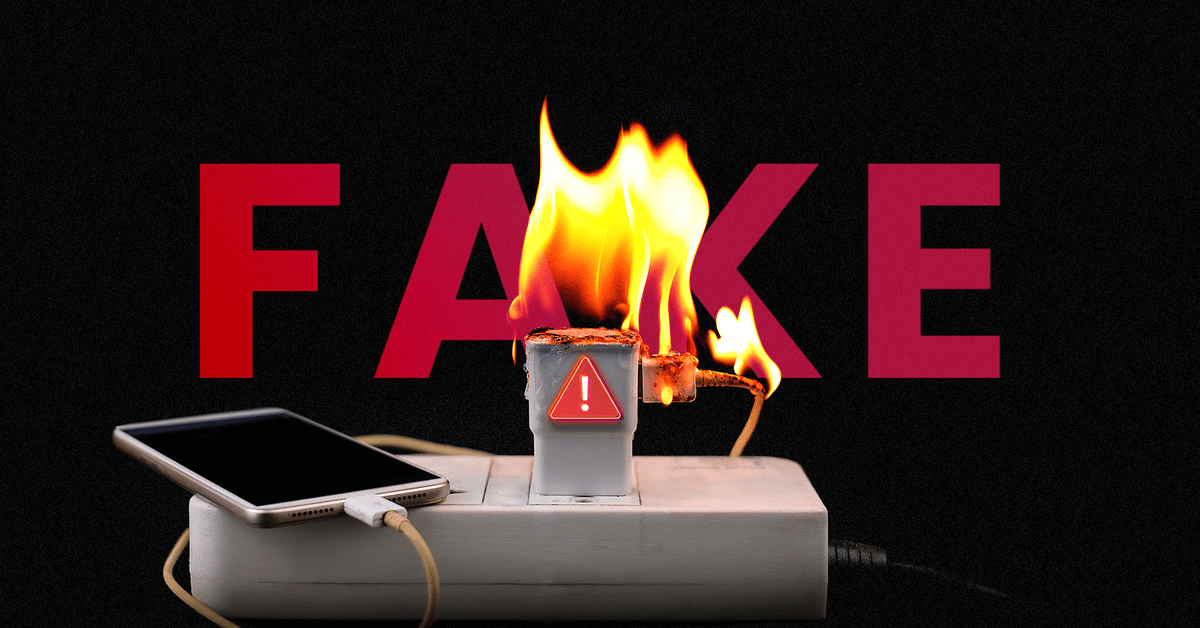
Now the longevity of your high-end hardware might be under threat from an unexpected source. A bad charger can quietly ruin your smartphone battery over time, and most consumers only take note when runtime drastically degrades. Therefore, identifying a counterfeit or failing adapter early is critical to saving your device and your wallet from expensive repairs. Meanwhile, your handset frequently provides subtle operational clues before catastrophic thermal degradation sets in. Following a few diagnostic checks, you can easily determine if your charging brick is delivering clean power. Treating peripheral safety as a mechanical necessity will ensure your lithium-ion cells maintain peak technical excellence throughout 2026.
Also Read | Imran Khan and Bushra Bibi Sentenced to 17 Years in Jail
Feel the Heat First: Understanding Dangerous Thermal Offsets
Now the fastest way to evaluate your charging ecosystem is surprisingly immediate: you simply need to touch it. A charger or cable becoming mildly warm during active operation is entirely normal, especially with modern fast-charging protocols. Therefore, a slight thermal elevation should not cause unnecessary alarm during the initial power phase.
First, if the adapter brick or the back of your phone feels painfully hot after 20 minutes, something is wrong. Next, excess heat remains one of the largest single catalysts for accelerating the aging process inside lithium-ion structures. Thus, a faulty internal circuit acts as a mechanical necessity for generating massive, wasted thermal energy.
So monitoring the physical temperature of your hardware prevents long-term degradation of the internal adhesive layers. Meanwhile, cheap transformers frequently lack basic cooling insulation, making them highly dangerous to leave plugged in overnight. Therefore, a quick physical touch test serves as your first line of defense.
Unstable Power Cycles: Analyzing Erratic Charging Behavior
Now your operating system often flags peripheral instability through clear visual alerts before permanent damage occurs. If your device continuously connects and disconnects from the power source, the battery core isn’t the primary culprit. Therefore, the internal logic board is likely struggling to normalize an unstable incoming voltage envelope.
First, look for a charging indicator or icon that flickers rapidly while sitting undisturbed on a flat surface. Next, watch out for battery percentage indicators that jump oddly by several digits within a few seconds. Thus, these chaotic readouts indicate that the phone’s power management chip is experiencing severe electrical noise.
So a charging system that requires a cable to be positioned at a narrow, single angle is failing. Meanwhile, this loose connection creates micro-arcs of electricity that wear down the physical tracking contacts inside the port. Therefore, unpredictable interface responses are an immediate signal to retire the accessory.
The Isolation Test: Utilizing a Controlled Baseline Swap
Now diagnosing a hardware fault requires a structured process of elimination to confirm the exact failure point. To perform a successful isolation test, borrow a trusted, original manufacturer brick from a friend. Therefore, you can compare performance metrics under identical environmental conditions to locate the defective link.
The Isolation Protocol Checklist:
-
Step 1: Disconnect the suspected generic adapter and allow the handset to cool completely.
-
Step 2: Connect the device to a verified, certified original accessory using a undamaged line.
-
Step 3: Monitor the interface for 15 minutes to see if thermal output levels drop significantly.
-
Step 4: Verify if the percentage accumulation curve returns to a completely linear progression.
First, if the erratic behavior vanishes instantly during the swap, your original brick is definitively faulty. Next, this confirms that the underlying smartphone hardware logic remains completely intact and uninjured. Thus, the exercise saves you from ordering a costly and unnecessary internal battery replacement.
Also Read | Imran Khan and Bushra Bibi Sentenced to 17 Years in Jail
Diagnostic Audits: Checking Settings on iOS and Android Tiers
Now modern mobile operating systems feature built-in telemetry suites designed to track long-term performance trends over time. Checking these system logs regularly helps you catch degradation caused by bad voltage regulation early. Therefore, checking these parameters should become a standard part of your monthly maintenance routine.
-
iOS Pathway: Navigate directly through Settings > Battery > Battery Health & Charging to view current maximum capacity.
-
Android Suite: Access native battery diagnostic menus or utilization tools within brand-specific optimization packages.
First, sudden, rapid drops in maximum capacity ratings over a single month indicate severe structural stress. Next, generic accessories lack the communication chips required to pass safety parameters back to the host system. Thus, tracking these performance variations provides clear evidence of a subpar charging environment.
The Degradation Mechanics: How Cheap Components Stress Cells
Now the internal layout of an ultra-cheap generic charging adapter reveals why it presents such a severe hazard. Substandard manufacturers strip away vital safety components, including voltage regulators and surge protectors, to maximize profit. Therefore, your sensitive phone logic is left entirely exposed to standard electrical fluctuations.
First, these low-tier assemblies deliver a heavily rippled current rather than a smooth, continuous direct current stream. Next, this erratic delivery forces the lithium ions to move violently between electrodes, fracturing the internal substrate. Thus, the mechanical necessity of smooth power distribution is entirely lost when using unverified generic imports.
So the battery suffers from localized chemical scarring, permanently reducing its ability to hold an electrical charge. This leads directly to common user complaints, including sudden shutdowns and weak overall discharge backups. Therefore, cheap electronics represent a highly expensive hazard to modern high-end silicon.
Exposed Wiring Hazards: Eliminating Damaged Infrastructure
Now it isn’t simply the wall adapter that requires close scrutiny; the link wire is equally critical. Utilizing cables that feature physical kinks, frayed insulation, or exposed metal wires represents an immediate threat. Therefore, continuing to attach these compromised leads to a live terminal is an extreme safety risk.
First, broken internal copper strands increase resistance, turning the cable itself into a localized heating element. Next, this thermal bleed transfers directly into the charging port, damaging sensitive connections. Thus, a degraded line cannot support proper fast-charging protocols, bottlenecking your daily power speeds.
So wrapping damaged accessories in electrical tape is a temporary patch that ignores the underlying hazard. Meanwhile, internal short-circuits can send a catastrophic voltage spike back into the main processor board. Therefore, replacing a compromised wire immediately is an absolute requirement for device preservation.
Also Read | Imran Khan and Bushra Bibi Sentenced to 17 Years in Jail
Certified Power Regulation: The Absolute Value of Branded Accessories
Now the path toward absolute device safety requires a complete transition away from unverified power accessories. Certified chargers from reputable manufacturers cost more upfront because they feature advanced, smart logic management systems. Therefore, this premium represents a necessary investment to shield your primary communication device.
First, these advanced adapters dynamically adjust their current output based on real-time feedback from the handset. Next, they automatically drop power delivery down to a trickle once the capacity hits 100 percent capacity. Thus, this automatic regulation eliminates the danger of overcharging and keeps the cell completely stable.
So checking for industry certifications on the packaging ensures that the product has passed international safety evaluations. Meanwhile, avoiding extreme gaming or streaming while connected to a power supply keeps thermal outputs down. Therefore, pairing quality hardware with safe charging habits ensures long-term tech performance.
FAQ: Protecting Your Smartphone Battery from Substandard Current
1. Can a fake charger actually damage my smartphone battery? Now, yes. Fake chargers deliver unstable voltage and lack proper regulation, which causes extreme overheating and rapid permanent battery degradation.
2. Why does my phone get unusually hot when using a generic adapter? First, generic bricks use low-grade components that create high electrical resistance and waste energy as dangerous thermal output.
3. What are the main warning signs of a faulty charging cable? So, if charging repeatedly starts and stops, the icon flickers, or power only flows when bent at an angle, the cable is compromised.
4. How can I check my battery health metrics on an iPhone? Next, you can instantly review your metrics by navigating directly through Settings > Battery > Battery Health & Charging.
5. Is it safe to play high-end mobile games while my phone is charging? Now, it is generally discouraged if the phone is already warm, as combining charging heat with processor heat accelerates battery aging.
6. What makes certified name-brand chargers safer than cheap alternatives? Finally, certified chargers feature smart microchips that communicate directly with your phone to regulate current flow and prevent overcharging.
Also Read | Imran Khan and Bushra Bibi Sentenced to 17 Years in Jail
End….

